In today’s fast-paced digital world, ensuring that your computer hardware remains in peak condition is essential for optimal performance. Maintaining hardware effectively not only prolongs the lifespan of your equipment but also enhances productivity. Whether you are a casual user or a dedicated gamer, understanding how to care for your hardware can make a significant difference. Here’s a cheerful guide to help you keep your system running smoothly and efficiently.
The Importance of Regular Maintenance
Just like a car requires regular servicing to run well, your computer needs routine maintenance to perform at its best. Over time, dust and grime accumulate, components wear down, and software issues can arise. Implementing routine checks for performance is crucial to identify potential problems before they escalate. This proactive approach not only saves time but also minimizes costly repairs down the line.
Cleaning Your Computer
One of the most fundamental aspects of keeping hardware in top condition is regular cleaning. Dust buildup can obstruct airflow, leading to overheating and decreased performance. Here are some effective cleaning tips:
- Exterior Cleaning: Use a microfiber cloth to gently wipe down the exterior surfaces of your computer. Avoid using harsh chemicals, as they can damage the finish.
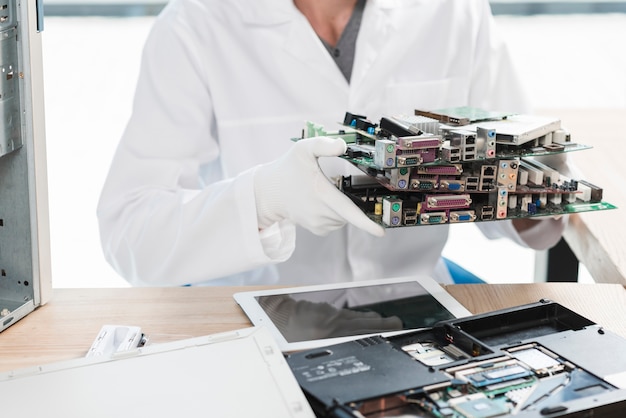
- Interior Cleaning: For desktops, power down and unplug the computer before opening the case. Use compressed air to blow out dust from fans, heatsinks, and other components. A soft brush can also help dislodge stubborn dust particles. Regularly cleaning the inside of your computer will promote better airflow and cooling.
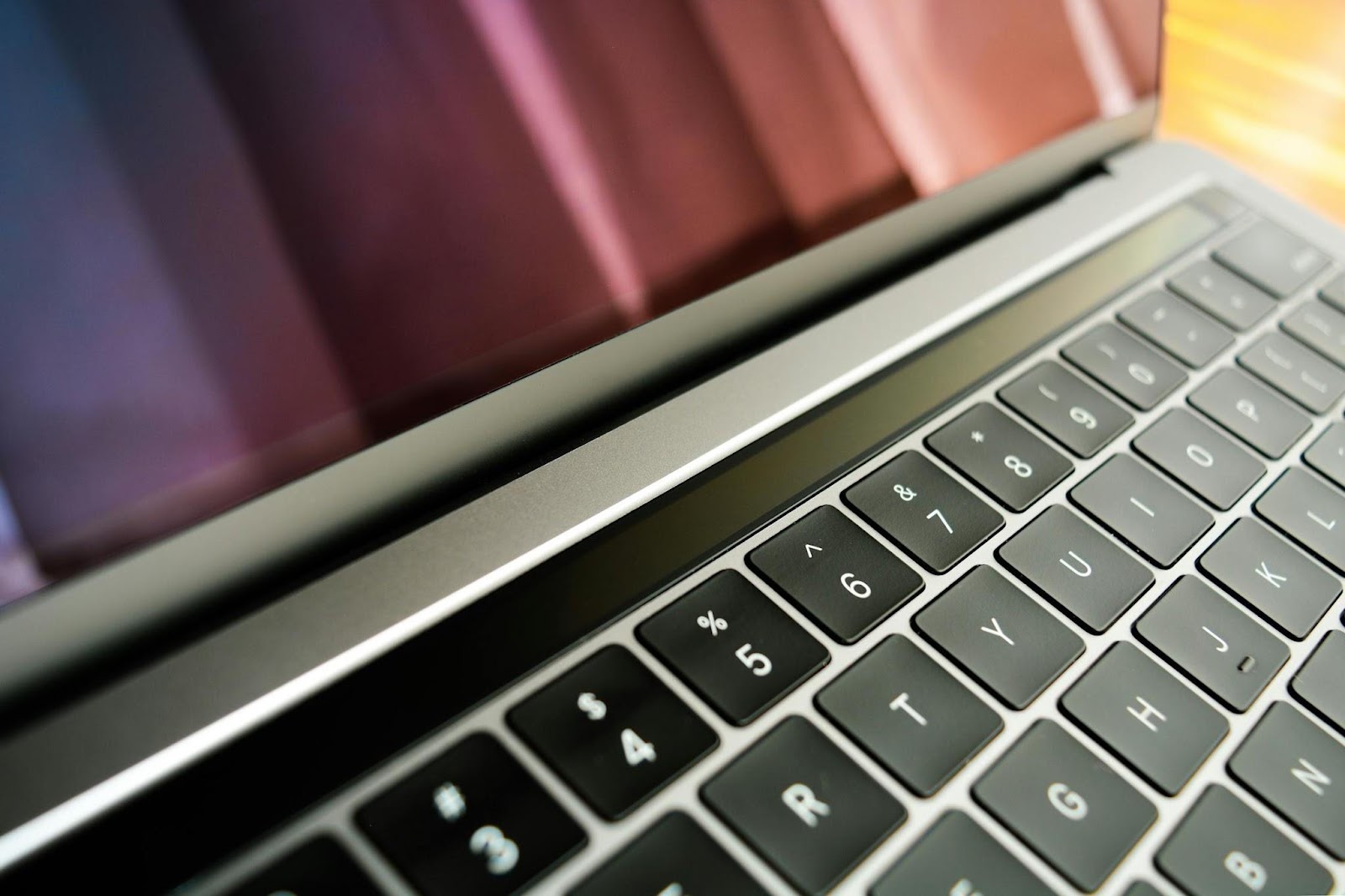
- Keyboard and Monitor: Don’t forget about peripherals! A vacuum with a brush attachment can help remove crumbs and dust from your keyboard. For the monitor, use a dedicated screen cleaner and a microfiber cloth to avoid streaks.
Monitor Temperatures
Keeping your computer’s temperature in check is essential for maintaining hardware effectively. Overheating can lead to performance issues and hardware failures. Invest in temperature monitoring software to keep an eye on component temperatures. Ensure that fans are operational and not obstructed by dust. If your system tends to run hot, consider additional cooling solutions, such as aftermarket fans or liquid cooling systems.
Update Software Regularly
Software plays a critical role in hardware performance. Ensuring that your operating system and drivers are up to date can prevent many compatibility issues and enhance functionality. Regularly check for updates from manufacturers and install them promptly. This practice not only improves performance but also ensures your system is secure from vulnerabilities.
Backup Your Data
While it might not seem directly related to hardware maintenance, regularly backing up your data is a vital practice. Unexpected hardware failures can occur, and having a recent backup can save you from losing critical information. Use cloud storage solutions or external hard drives to create backups of important files and documents. Implementing a backup routine ensures that even if hardware issues arise, your valuable data remains safe.
Power Supply Care
A reliable power supply unit (PSU) is crucial for your computer’s health. Best practices for hardware care include ensuring your PSU is adequate for your system’s power requirements. Overloading a PSU can lead to instability and hardware damage.
Consider investing in a surge protector to guard against power surges, which can wreak havoc on your components. Also, check the cables and connections regularly to ensure they are secure and free from damage.
Use Appropriate Surge Protection
Power surges can occur without warning, posing a threat to your computer hardware. Maintaining hardware effectively includes using a high-quality surge protector to shield your system from electrical fluctuations. Ensure that the surge protector you choose can handle the wattage of your setup.
For additional protection, consider using an uninterruptible power supply (UPS) that provides backup power during outages, preventing abrupt shutdowns that can harm your system.
Optimize Storage Space
Keeping your storage drives optimized is essential for maintaining system performance. Regularly delete unnecessary files and programs to free up space. Disk cleanup utilities can help remove temporary files and other clutter, improving speed and efficiency. If your hard drive is nearly full, it can slow down your system, so keep an eye on available space.
Check Hardware Connections
Over time, connections can become loose or corroded. Periodically check the connections between components to ensure they are secure. For desktops, this includes RAM, GPU, and other expansion cards. For laptops, ensure that the battery is seated correctly, and inspect the charging port for debris. Keeping these connections secure is an often-overlooked aspect of keeping hardware in top condition.
Conclusion
Maintaining your computer hardware effectively is a blend of regular upkeep, vigilant monitoring, and proactive care. By implementing these practices, you can enhance performance and extend the life of your system. From routine cleaning to software updates and data backups, every step contributes to a smoother, more efficient computing experience. Embrace these best practices, and watch your computer thrive!