In the intricate world of computing, one crucial aspect often overlooked is understanding hardware compatibility. Assembling or upgrading a computer involves selecting components that can function seamlessly together. Whether you’re a seasoned enthusiast or a budding DIYer, ensuring that your parts work together harmoniously can save time, money, and frustration. This article delves into the key factors in compatibility checks and offers insights on avoiding common compatibility issues.
The Importance of Hardware Compatibility
When building or upgrading a computer, it’s vital to ensure that all components are compatible. Incompatibility can lead to system instability, performance bottlenecks, or complete failure to boot. Imagine investing in high-end parts only to discover that they don’t mesh well together! Understanding the nuances of compatibility is not just a technical requirement; it’s a foundational step that ensures the longevity and efficiency of your system.
Key Factors in Compatibility Checks
Several essential factors come into play when evaluating compatibility.
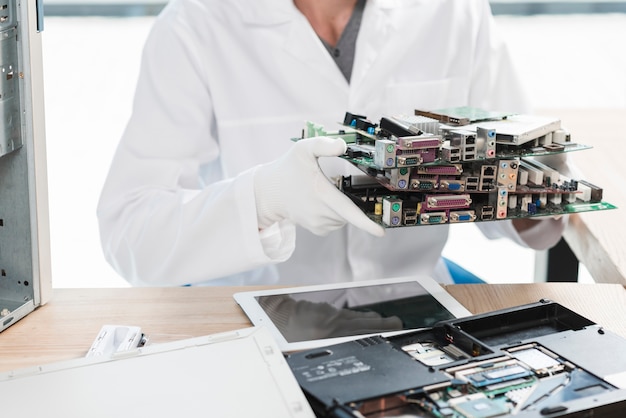
- Motherboard Specifications: The motherboard serves as the backbone of your system, dictating what components can be used. When selecting a motherboard, check the CPU socket type, RAM slots, and expansion slots. Each motherboard supports specific processors (CPUs) based on their socket types (like AM4 for AMD or LGA 1200 for Intel). Furthermore, the maximum RAM capacity and speed it supports are pivotal for ensuring smooth operation.
- Power Supply Requirements: A robust power supply unit (PSU) is essential for providing adequate power to all components. Every hardware component has a specific wattage requirement. When choosing a PSU, ensure it has enough power to support the CPU, GPU, and all peripherals. Additionally, check the PSU’s connector types to confirm they match the requirements of your components.
- Graphics Card Compatibility: The graphics card (GPU) plays a critical role in gaming and content creation. To ensure compatibility, verify that the motherboard has the necessary PCI Express slot, and ensure that the PSU can provide sufficient power through the correct connectors. Additionally, consider the physical space within your case; some high-performance GPUs can be quite large.
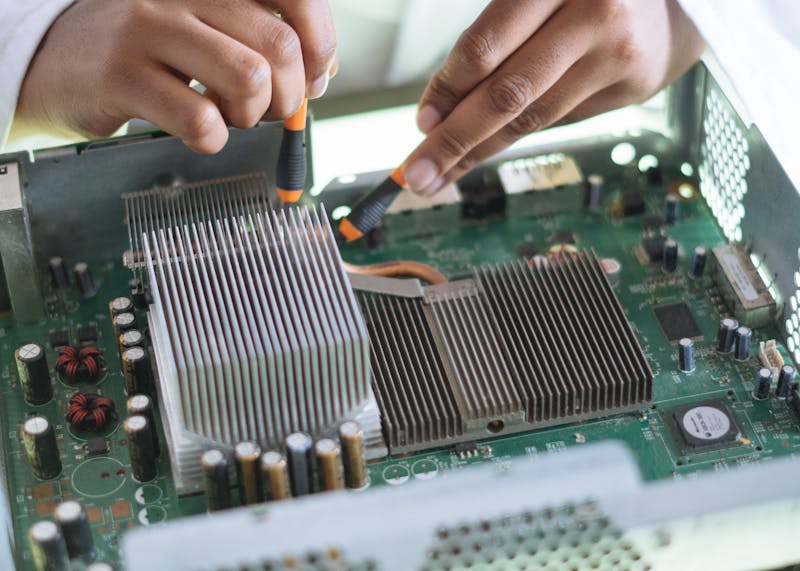
- Cooling Solutions: Adequate cooling is paramount to maintaining optimal performance and preventing thermal throttling. When selecting a cooling solution, ensure that it fits within your case and is compatible with your CPU socket. Air coolers and liquid cooling systems have specific mounting requirements, so always double-check specifications.
- Storage Interfaces: Different types of storage drives—HDDs, SSDs, and NVMe drives—connect to the motherboard via different interfaces. Traditional HDDs and SATA SSDs use SATA ports, while NVMe drives require M.2 slots. Always confirm that your motherboard has the necessary connections for the storage options you intend to use.
Avoiding Common Compatibility Issues
Navigating hardware compatibility can be a complex task, but being aware of common pitfalls can make the process smoother.
- Do Your Research: Before purchasing components, conduct thorough research. Many online communities and forums are dedicated to discussing compatibility issues. Websites that allow you to check compatibility can be invaluable, offering insights into what works well together.
- Check Manufacturer Documentation: Always refer to the manufacturer’s specifications for each component. They provide essential details regarding compatibility, supported configurations, and optimal settings. Ignoring these can lead to significant headaches down the line.
- Keep BIOS Updates in Mind: Sometimes, compatibility issues arise due to outdated BIOS versions. Motherboard manufacturers often release updates to support new processors and enhance overall stability. Before installing a new CPU or GPU, check if a BIOS update is necessary.
- Consult Compatibility Lists: Many hardware manufacturers publish compatibility lists, showcasing tested and verified components. Using these lists can provide peace of mind, ensuring that the parts you select are known to work together.
Conclusion
Understanding hardware compatibility is vital for anyone looking to build or upgrade a computer. By being proactive and diligent in checking the various factors that contribute to compatibility, it becomes possible to create a powerful, cohesive system. By focusing on critical elements such as motherboard specifications, power supply requirements, graphics card compatibility, and cooling solutions, you can avoid the frustrations of incompatible parts.
Moreover, keeping informed and utilizing available resources can help circumvent common compatibility issues. Ultimately, achieving a harmonious blend of components ensures a reliable and efficient computing experience, enabling you to focus on what truly matters: unleashing your creativity, productivity, and passion through your system. Happy building!