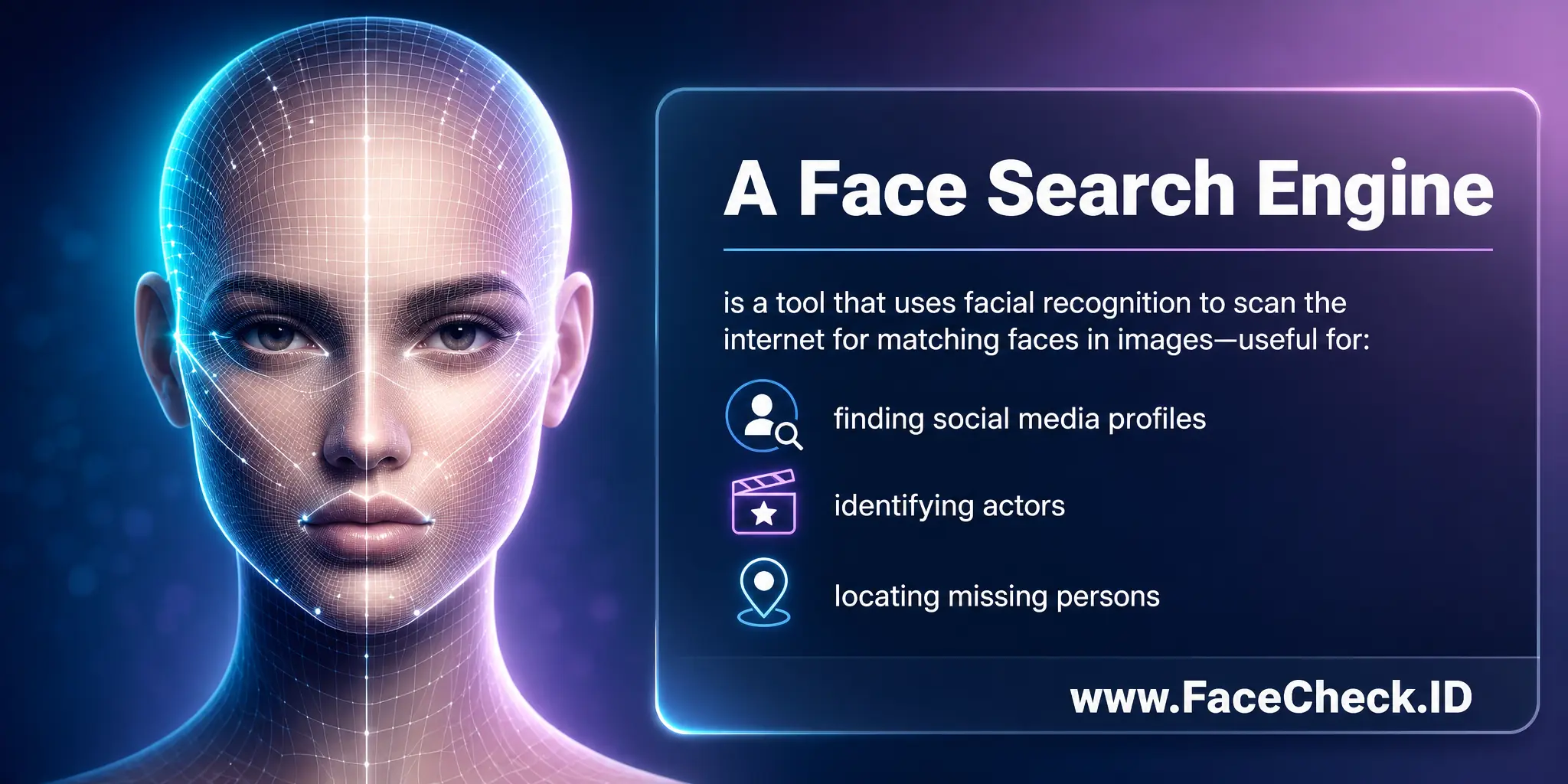
Searching for a social media profile does not always begin with a name or username. Sometimes, the only useful clue is a photograph. You may have an old profile picture, a saved image, or a screenshot but no idea what the account was called. In these situations, visual matching can provide another way to explore potential social profiles.
Visual matching uses image-analysis technology to compare visual characteristics between photographs. Artificial intelligence and computer vision can help process these characteristics more efficiently than manual searching. Face2social focuses on profile-photo discovery across Facebook, Instagram, TikTok, and X, giving users a visual approach when traditional account information is incomplete.
What Visual Matching Actually Means
Visual matching is the process of comparing one image with other images based on visual characteristics.
Instead of searching for an exact filename or identical photograph, image-analysis technology can examine patterns within an image. In facial profile discovery, this may involve analyzing visible facial characteristics and comparing them with characteristics found in other profile pictures.
The goal is to identify potentially similar images, not automatically prove that two photographs belong to the same person.
Why Pictures Can Become Search Clues
A photograph can preserve information that users may no longer remember.
Names can be forgotten, usernames can change, and social accounts can become inactive. A saved profile picture may remain available even after the original context has disappeared.
This makes photographs valuable clues for people trying to rediscover social accounts.
For anyone using a Facebook profile finder from picture, the image becomes the starting point instead of a username or name.
How Images Are Prepared for Comparison
Before an AI system can compare photographs, the images need to be processed.
Computer vision technology can identify important areas of an image and analyze visual characteristics. When a face is present, the system can focus on relevant facial information.
The resulting visual data can then be compared against other available images.
This process happens much faster than manually checking large collections of profile photographs.
Facial Features and Visual Patterns
Facial visual matching may consider different characteristics of a face.
These can include the relative positioning and shape of visible features. The system can convert these characteristics into a mathematical representation that allows comparison.
However, the result is still influenced by the quality of the original photograph.
A clear portrait can provide more useful information than a blurry image with a partially hidden face.
Why Exact Image Copies Are Not Necessary
A useful visual-matching system does not necessarily require two photographs to be identical.
The same person may use different photographs as profile pictures. The background, lighting, clothing, camera angle, and facial expression can all change.
Visual matching is designed to look for meaningful similarities despite some of these differences.
This makes it different from a simple image-duplication search.
The Effect of Lighting and Camera Angles
Photographs taken under different conditions can look dramatically different.
Bright outdoor lighting may create strong shadows, while indoor lighting can produce softer or warmer images. A front-facing portrait may also look different from a photograph taken from the side.
These variations can affect visual similarity.
AI-based systems attempt to account for some differences, but users should still expect that image conditions can influence results.
What Face2social Brings to the Process
Face2social focuses on profile-photo discovery across Facebook, Instagram, TikTok, and X.
Instead of treating every social media photograph as equally relevant, its approach centers on profile pictures.
If you have a suitable profile photograph but do not remember the associated username, the image can become a useful reference for exploring possible profiles across supported networks.
Why Profile Pictures Are Strong Visual References
Profile photographs are directly connected to accounts.
They are normally selected to represent the person behind a social profile, making them particularly relevant for account discovery.
If an old profile picture is available, it may provide more useful context than a random photograph from a social media feed.
This is especially relevant when trying to rediscover an account from limited information.
How an Image Becomes a Possible Match
Once a reference image has been processed, visual characteristics can be compared against available profile images.
Potentially similar images may then be identified.
A result should not automatically be considered the correct profile. Instead, it can be viewed as a candidate that requires additional evaluation.
This distinction is important when working with any technology involving facial or visual similarity.
Why Similarity Does Not Equal Identity
Two people can have similar facial characteristics.
At the same time, one person can appear significantly different in two photographs because of age, lighting, facial expression, hairstyle, or camera quality.
Therefore, visual matching should be understood as a discovery technique rather than definitive identity verification.
If you find a Facebook profile by picture, carefully evaluate the potential result instead of assuming that visual similarity proves ownership of the account.
The Challenge of Older Images
Older photographs can be useful but also create additional uncertainty.
Someone may have changed their appearance since the photograph was taken. They may also have replaced the original profile picture with a newer image.
An older reference image can still provide visual information, but it should be interpreted in the context of these changes.
Image Quality Can Influence Results
Image resolution is another important factor.
A low-resolution photograph contains fewer useful details. Heavy compression can introduce visual artifacts, while excessive filters can alter the appearance of the face.
If multiple images are available, selecting the clearest suitable photograph can improve the quality of the reference.
Using Screenshots as References
Screenshots are common sources of reference images.
You may have captured a social profile years ago without saving the original photograph.
A screenshot can still be useful if the profile picture is sufficiently clear.
However, interface elements, cropping, and compression may reduce the quality of the image.
Using the highest-resolution screenshot available can provide a better reference.
Comparing Multiple Potential Results
Visual discovery may produce more than one possible match.
Rather than selecting a result immediately, compare the available photographs with the original reference.
Consider differences in age, lighting, camera angle, and image quality.
Other relevant public account information can also provide context when evaluating potential matches.
Cross-Platform Benefits
Searching across multiple social platforms can provide additional context.
A person may have accounts on Facebook, Instagram, TikTok, and X while using different usernames.
Because Face2social focuses on profile-photo discovery across these platforms, an image can provide a common visual reference when exploring potential profiles.
This can be useful when you do not know which supported network the person currently uses.
When Visual Matching Is Most Useful
Visual matching can be particularly helpful when:
- You have an old profile picture.
- The person’s username is forgotten.
- A name produces too many search results.
- You only have a screenshot.
- You are unsure which supported platform contains the account.
- Traditional searches have not produced useful results.
In these situations, a photograph can provide information that text-based searches cannot.
Responsible Use of Visual Matching
Technology that analyzes faces should be used carefully.
Visual profile discovery should not be used for harassment, impersonation, stalking, or other harmful activities.
A potential result should also not be treated as confirmed identity without appropriate evidence.
Respecting privacy is essential when working with photographs of other people.
Getting Better Results From a Reference Image
If you want to use a Facebook profile finder from picture, begin with the clearest suitable photograph.
Make sure the face is reasonably visible and avoid heavily edited or obstructed images when better alternatives are available.
If possible, keep other relevant information available as supporting context.
The more carefully you prepare the reference, the easier it can be to evaluate the potential results.
Final Thoughts
Visual matching provides an alternative approach to social profile discovery by using photographs instead of relying entirely on names or usernames. AI and computer vision can analyze visual characteristics, compare photographs, and identify potential similarities.
Face2social focuses on profile-photo discovery across Facebook, Instagram, TikTok, and X, making profile pictures useful visual references for exploring potential social accounts.
If you use a Facebook profile finder from picture, remember that visual matching identifies possibilities rather than guaranteeing identity. Image quality, lighting, age, camera angle, and changes in appearance can all influence results. By choosing a clear reference image, combining visual information with other reliable clues, and evaluating potential matches carefully, you can make better use of image-based profile discovery while maintaining realistic expectations and respecting privacy.