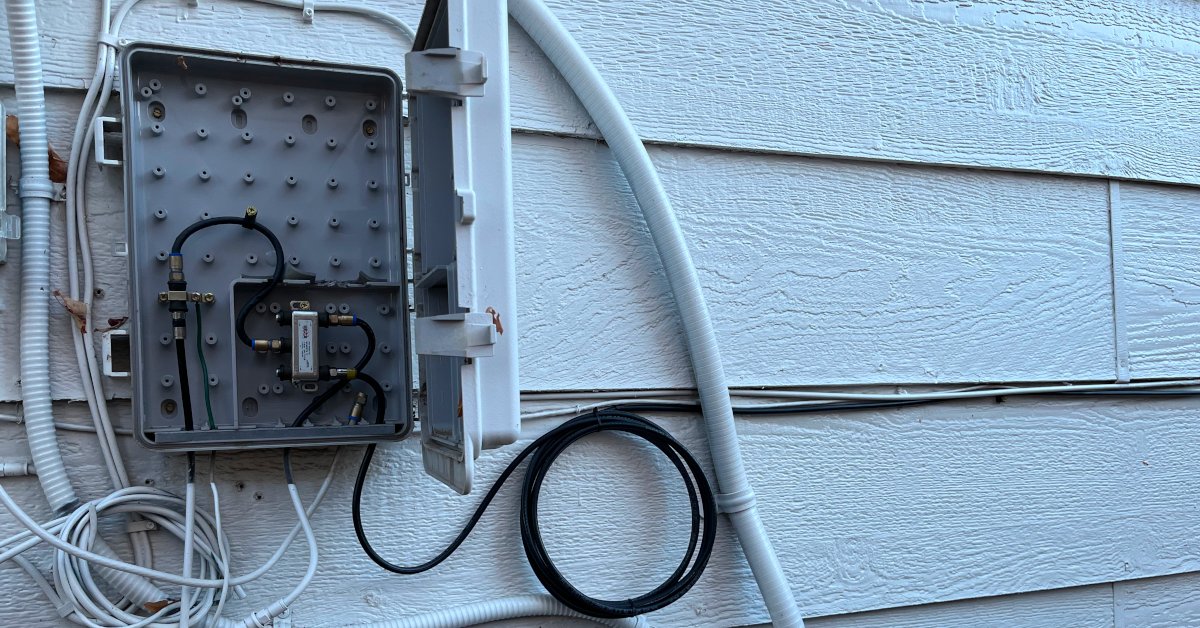
You have a new modem or television set, and now you’re looking at a ball of coaxial cable, thinking, ‘Now what do I do with it?’ Do not worry, it is not as difficult as it seems.
Wiring a coax cable into your internet or television system is a completely achievable job, even when you are not a particularly techy person. With the correct tools and a little patience, you only need a guide like this one! We will help you fix it, step by step.
Supplies you will need
You need:
- Coaxial cable: RG6 for contemporary installations
- Coaxial connectors: An F-type connector
- Coax cable crimper (optional, in case you cut and attach ends)
- Zip ties or cable links for a clean install
- A coax cable tester (optional, but handy)
- A drill if you have to run cable through a wall or the floor.
Step 1: Route planning
The first step would be to determine where the cable should go. Do you need to install a modem in the living room? A bedroom television set? Find the wall outlet ( or splitter ) where the coax will originate, and where the other end must connect.
When running a new line, find the shortest route that is not obtrusive. Avoid sharp turns as coaxial cables may not work very well when twisted.
Step 2: Link to the wall outlet or splitter
Your typical starting point will be a coaxial wall plate or a splitter to the main line (such as your ISP or satellite TV). All you need to do is screw one of the ends of the cable into the F-type connector. This is the screwy one that resembles a mini metal donut.
Be sure to hand-tighten, but not too much. You want a tight fit and not a bare thread.
Step 3: Run the cable neatly
If the cable is visible, you can run it along baseboards or behind furniture using clips or zip ties. If you are passing through a wall or ceiling, you may require a drill and coaxial wall plates so that it can appear clean and professional.
Be careful of sharp turns, pinches, or kinks. These may bring about signal impairment. Make it as smooth and straight as you can.
Step 4: Link with your device
When the cable arrives where you want it, screw the other end in to your TV or modem. If it’s the internet, it typically involves connecting you to a modem or gateway. For TV, it would be the coaxial input at the back of your TV or cable box.
Switch on your device, and see the signal. In case you are not receiving it immediately, it is worth restarting your TV box or modem. Syncing up takes a minute or two sometimes.
Step 5: Check the connection
Everything is good, provided your internet connection is functional or your television receives signals. Otherwise, check again that everything is tightly connected and that the cable is not torn. A coax cable tester would be good to check whether the line has a signal or not. That is it, you are done!